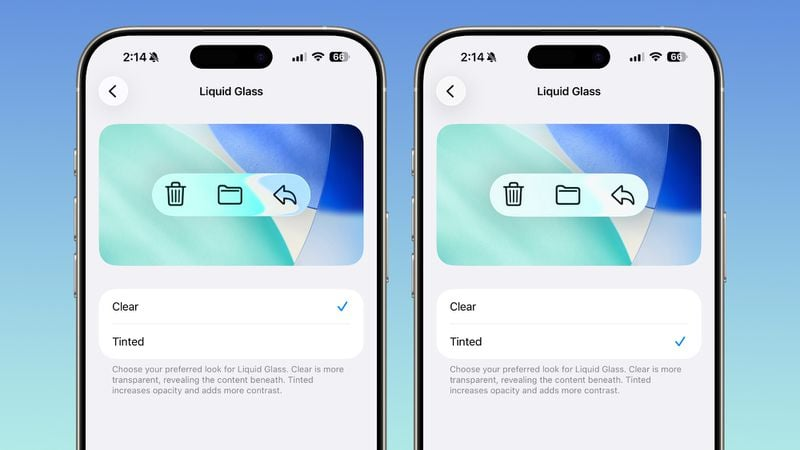
Two iOS settings screens next to each other, for a view called "Liquid Glass". The view allows choosing between "Clear" and "Tinted", and shows a preview of the tint effect behind some icons at the top. Clear is the glassy effect with only a mild white tint background, while Tinted basically just looks like background-blur with a strong white tint.
https://files.mastodon.social/media_attachments/files/115/408/880/388/343/629/original/c6ec415ba8507a56.png
 Tobias Bernard
 All GNU social JP content and data are available under the