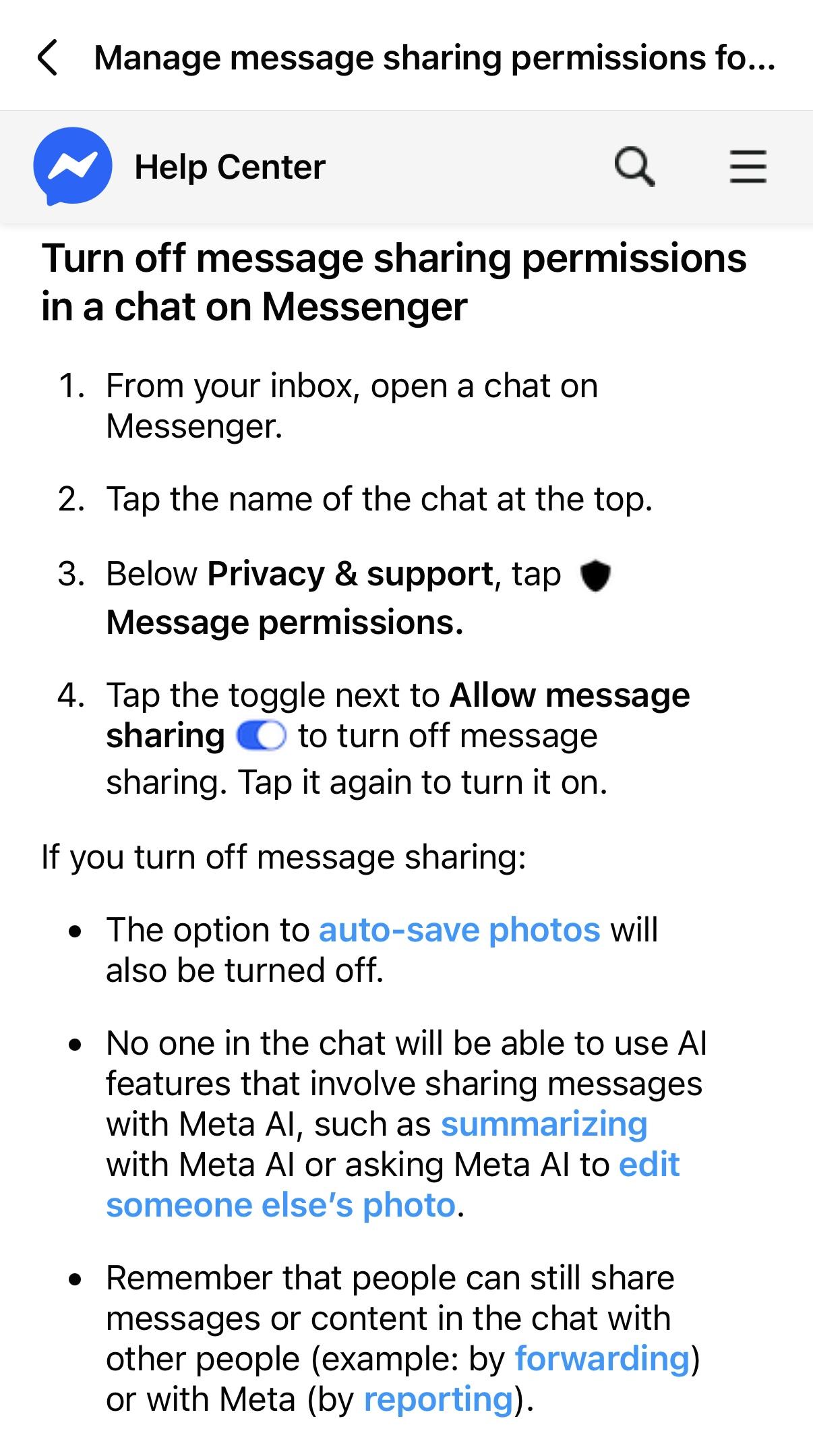
Help text: ‹ Manage message sharing permissions fo... Help Center Turn off message sharing permissions in a chat on Messenger 1. From your inbox, open a chat on Messenger. 2. Tap the name of the chat at the top. 3. Below Privacy & support, tap • Message permissions. 4. Tap the toggle next to Allow message sharing © to turn off message sharing. Tap it again to turn it on. If you turn off message sharing: • The option to auto-save photos will also be turned off. • No one in the chat will be able to use Al features that involve sharing messages with Meta Al, such as summarizing with Meta Al or asking Meta Al to edit someone else's photo. • Remember that people can still share messages or content in the chat with other people (example: by forwarding) or with Meta (by reporting).
https://files.mastodon.social/media_attachments/files/114/829/346/768/141/579/original/c47ae4aae9af8c8c.jpeg
 Richard MacManus
 All GNU social JP content and data are available under the